Elastic EQL and KQL Hunting Guide
Learn EQL sequence queries and KQL filtering in Elastic to hunt process chains, lateral movement, and endpoint anomalies.
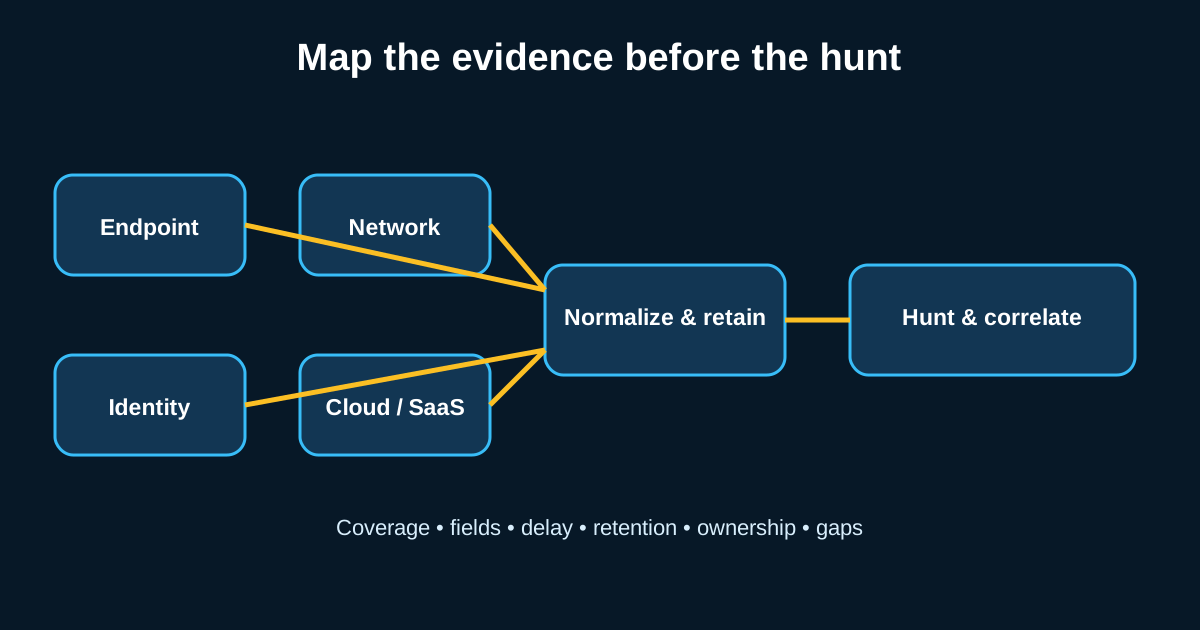
Elastic gets underrated in hunting circles compared to Splunk and Sentinel, which is a little unfair given that EQL—Event Query Language—was purpose-built for exactly the kind of sequence-based hunting that other query languages bolt on as an afterthought. If your hunt hypothesis involves “this happened, then this happened, then this happened” within a specific window, EQL is often the cleanest way to express that logic, full stop.
I switched a chunk of my own hunt library over to EQL a while back specifically for process chain analysis, and the readability difference compared to nested subsearches in other languages was noticeable enough that I haven’t gone back for that particular use case.
EQL sequences are built for exactly the problem most languages struggle with
The core EQL construct—sequence by
Say you run that against a month of endpoint data across 4,000 hosts. In most environments that’s genuinely rare—maybe two or three hits a month from legitimate mail-merge automation or approved macro-based tooling, easy enough to filter once you’ve identified them, versus dozens or hundreds if you tried to catch each step independently with separate flat queries and correlate manually afterward.
KQL is your filtering and exploration workhorse, not your sequence tool
Where EQL handles “this then this then this,” KQL (Kibana Query Language) is what you reach for during the exploration phase—filtering down a dataset, pivoting across fields, building the visualizations that help you spot an outlier before you’ve even formed a full hypothesis yet. KQL’s syntax is deliberately simple: field: value, boolean operators, wildcards. That simplicity is a feature for fast exploratory work, even though it means KQL can’t express the sequence logic EQL handles natively.
A realistic hunting workflow uses both: start with KQL in Discover to get a feel for a dataset—say you’re looking at network events and want to quickly see which destination ports dominate outbound traffic from a specific subnet—then once you’ve got a specific hypothesis about a multi-stage pattern, formalize it as an EQL sequence query you can save and rerun.
Field normalization through ECS makes cross-source hunting actually workable
One place Elastic genuinely pulls ahead for hunting specifically: the Elastic Common Schema normalizes field names across data sources, so process.name, process.parent.name, and destination.ip mean the same thing whether the underlying data came from Winlogbeat, an EDR integration, or cloud audit logs. This matters more than it sounds like it should. In environments without consistent field normalization, half your hunting time goes into remembering that this data source calls it dst_ip and that one calls it destination_address.
I’d push back gently on teams that skip proper ECS mapping when onboarding a new data source because it feels like extra setup work. That mapping work is what makes a query you wrote against endpoint data reusable against network data with minimal changes later—skip it, and every new source means rewriting your hunt library from scratch.
Timeline and process tree visualization turns a query hit into an investigation
Once EQL surfaces a sequence match, Elastic’s process tree and timeline views in the Security app let you visually walk the parent-child chain and surrounding activity without writing a second query. This matters for investigation speed—a hunter can go from “sequence matched” to “here’s the full attack narrative with context” in a couple of clicks rather than manually pulling five separate queries to reconstruct what happened around that hit.
This is where the analysis side of hunting actually lives, in my opinion—the query gets you to the right haystack, but the timeline view is where you figure out whether the needle you found is actually a needle or just an oddly-shaped piece of hay. Don’t skip building comfort with this view just because writing queries feels like the “real” hunting work.
Building a maintainable EQL rule library instead of one-off queries
The mistake I see most with EQL specifically: teams write a great sequence query during an investigation, get the answer they needed, and then never save it anywhere reusable. EQL rules can be saved as detection rules directly in Elastic Security, with tunable severity, and turned into either alerting rules or hunt-on-demand saved searches depending on how confident you are in the pattern’s precision.
Build the habit of promoting a good ad hoc hunt query into a saved rule the moment it proves its worth once. That’s the difference between a hunting program that compounds its own institutional knowledge over time and one that rebuilds the same insights from scratch every few months because nobody wrote anything down.