Windows Persistence Hunting
Registry run keys are just the beginning. A systematic guide to hunting every persistence mechanism attackers use to survive a reboot on Windows.
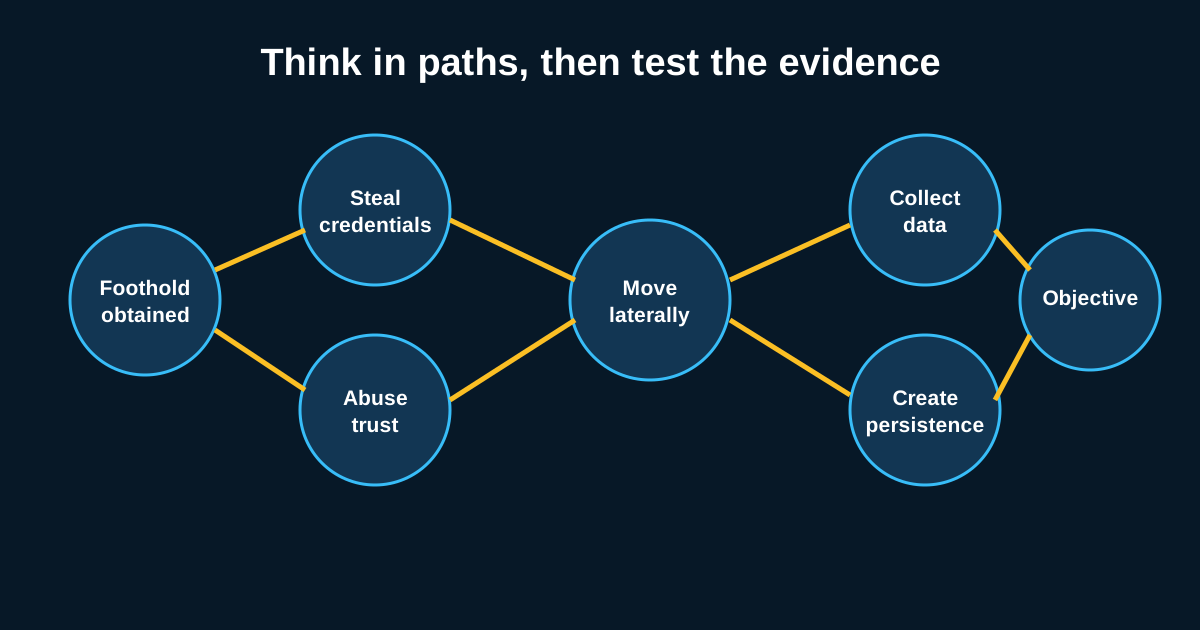
Everyone checks the Run key. It’s the first thing any junior analyst learns, and it’s also the first place any competent attacker knows you’ll look, which is exactly why the interesting persistence rarely lives there anymore. Windows has an absurd number of legitimate ways to make something start automatically, and every single one of them has been abused for persistence at some point. Hunting this properly means being systematic, not just checking the two or three spots everyone already knows.
I keep a running checklist for this, because relying on memory alone means you’ll skip something under time pressure during an actual incident—and persistence hunting is exactly the kind of task where thoroughness matters more than speed.
The Registry Has More Than One Run Key, and That’s Just the Start
Beyond HKCU\Software\Microsoft\Windows\CurrentVersion\Run and its HKLM counterpart, there’s RunOnce, the Winlogon Shell and Userinit values, AppInit_DLLs, and Image File Execution Options debugger hijacking—where an attacker sets a “debugger” for a legitimate executable (say sethc.exe, the sticky keys binary) that actually points to their own payload, which then launches instead of, or alongside, the real one whenever that binary would normally run.
IFEO debugger abuse specifically is worth calling out because it’s still surprisingly underchecked in a lot of environments—it’s not flashy, it doesn’t show up in a casual Run-key check, and it gives an attacker a persistence mechanism that fires under conditions (like a specific accessibility feature being triggered) that don’t look like normal process startup at all.
Scheduled Tasks Deserve Way More Scrutiny Than They Usually Get
Task Scheduler is a favorite for a reason: it’s flexible, it’s legitimate, and most environments have dozens or hundreds of scheduled tasks already, which makes one more blend in easily. Don’t just check for new tasks—check task properties too. A task that already existed but had its action silently modified to point at a different executable or script is a persistence technique that skips right past “look for new tasks created recently” hunts entirely.
schtasks /query /fo LIST /v gives you full detail on every task including last run time, next run time, and the actual action being executed—pull this regularly and diff it against a known-good baseline rather than eyeballing it fresh each time. A task named something boring like “Adobe Acrobat Update Task” that’s actually launching PowerShell with an encoded command is a pattern I’ve genuinely seen, and it works precisely because nobody double-checks a task with a name that sounds exactly like something legitimate.
Services and WMI Subscriptions Are the Quieter Options
A malicious Windows service, especially one configured to run as SYSTEM, gives an attacker persistence plus elevated privileges in one step—check for services with unusual binary paths (pointing to user-writable directories like Temp or AppData rather than Program Files or System32), and pay attention to services set to auto-start that have generic, vague, or misspelled display names designed to blend in with legitimate system services.
WMI event subscriptions are the one I’d flag as most likely to get missed entirely by a hunter who hasn’t specifically gone looking for them. An attacker can register a permanent WMI event consumer that triggers on a system event (say, every time the system starts, or every few minutes via a timer event) and executes a payload—this persists across reboots, doesn’t show up in the Run key, doesn’t appear as a scheduled task, and isn’t visible in a normal service list. Get-WmiObject -Namespace root\subscription -Class __EventFilter and the corresponding EventConsumer and FilterToConsumerBinding classes are where you’d actually go looking, and in my experience most environments have never once audited this before their first real hunt through it.
Browser Extensions and Office Add-ins Are Persistence Too, Just Ignored
This category gets overlooked constantly because it doesn’t feel like “real” persistence to a lot of analysts trained mainly on registry and service-based techniques. A malicious browser extension, once installed, runs every time the browser opens—no reboot survival trickery needed, no registry key, nothing that shows up in a typical endpoint persistence sweep. Similarly, Office add-ins (particularly VBA-based ones registered to auto-load) and Outlook COM add-ins provide a persistence path that survives specifically inside applications people use daily, hiding in plain sight of tools built to watch the OS layer.
Auditing this means checking installed extensions across whatever browsers your org actually uses, cross-referenced against an allowlist, plus reviewing registered COM add-ins for Office applications rather than assuming persistence hunting stops once you’ve covered the OS-level mechanisms.
Build a Checklist, Then Actually Run It on a Schedule
The single biggest thing that separates teams that catch persistence mechanisms from teams that don’t isn’t knowledge of the techniques—most experienced analysts have heard of all of these. It’s discipline about actually running a comprehensive sweep on a regular cadence rather than only checking during active incident response, when time pressure means people default back to the two or three spots they remember off the top of their head.
Build the checklist once, script as much of the collection as you reasonably can (a lot of this is scriptable via PowerShell and WMI queries run centrally across your fleet), and run it as a standing quarterly hunt at minimum, not just a reactive incident response step. Persistence mechanisms planted during a breach that goes undetected for weeks are exactly the kind of thing a proactive hunt catches that reactive IR misses, because by the time IR gets triggered, the attacker’s already accomplished whatever they came for.