GCP Threat Hunting Fundamentals
Build core Google Cloud hunting capability using Cloud Audit Logs and Security Command Center the two sources that matter most.
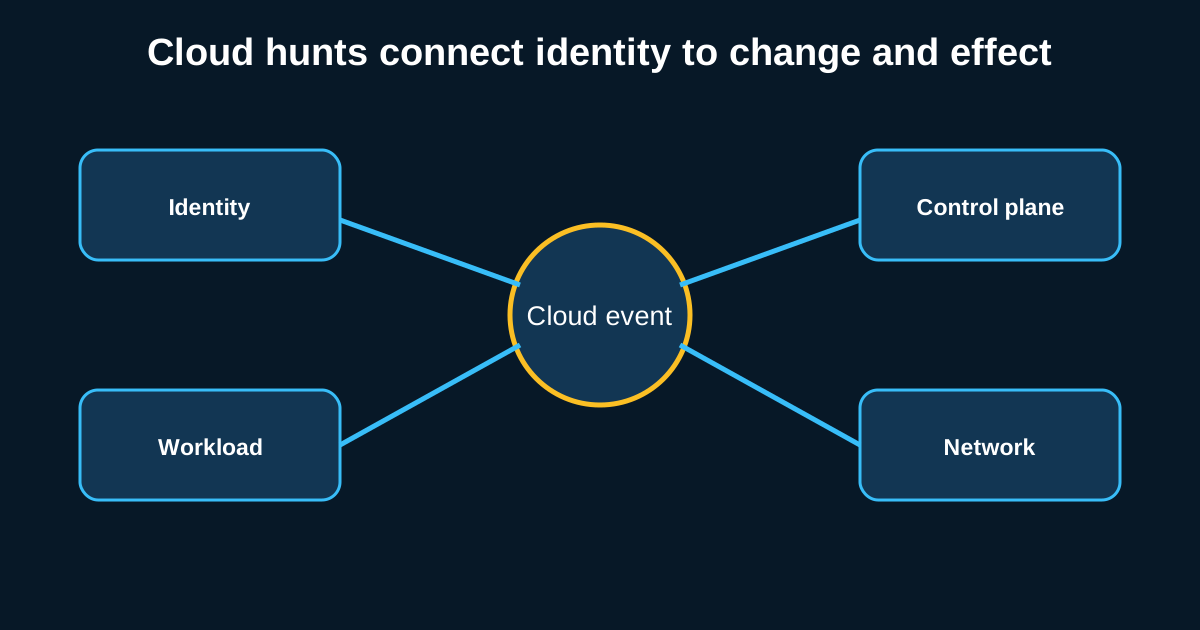
GCP hunting still gets treated as an afterthought at a lot of organizations, mostly because AWS and Azure have a bigger footprint and more mature hunting content built around them. That gap doesn’t mean GCP environments are safer it means fewer defenders have actually built real muscle memory hunting them, which is exactly the kind of blind spot attackers are happy to exploit if your organization runs any meaningful Google Cloud footprint at all.
The good news is Google’s logging model is genuinely well-structured once you understand the shape of it. Cloud Audit Logs and Security Command Center cover most of what a hunter needs, and the concepts transfer cleanly from AWS and Azure hunting once you learn where GCP’s equivalents live.
Cloud Audit Logs come in flavors, and Data Access logs are the one everyone forgets
GCP splits audit logging into three categories: Admin Activity, Data Access, and System Event logs. Admin Activity logs are on by default and capture configuration changes IAM policy modifications, resource creation, that kind of thing. Data Access logs, which capture who actually read or wrote data, are off by default for most services and have to be explicitly enabled, and this is precisely the gap that bites organizations during an incident when they discover nobody turned on the logs that would’ve told them what an attacker actually accessed.
If you’re running any meaningful GCP footprint and haven’t explicitly enabled Data Access logging on your sensitive BigQuery datasets and Cloud Storage buckets, that’s the first fix to make before any hunting program here is worth much. Once it’s on, the hunt looks familiar to anyone who’s done AWS S3 access hunting: baseline which service accounts and users normally touch which datasets, then flag first-time access combined with volume that’s high relative to that resource’s typical traffic. A service account that’s only ever queried one specific BigQuery table suddenly running exports against a table containing customer PII is exactly the pattern worth an immediate look.
IAM policy changes deserve the same scrutiny they get everywhere else
Privilege escalation in GCP runs through IAM policy bindings, and SetIamPolicy calls are the event to watch closely specifically bindings that grant roles/owner, roles/editor, or custom roles with broad permissions to a principal that’s never held that level of access before. GCP’s IAM model, with its mix of primitive, predefined, and custom roles, adds a layer of complexity that AWS and Azure hunters sometimes underestimate when they first move into GCP a custom role with a deceptively narrow-sounding name can still carry permissions equivalent to full project ownership if it wasn’t scoped carefully.
A hunt worth building: any SetIamPolicy event granting roles/owner or equivalent broad custom roles, correlated against whether that change came from a service account (which should almost never be self-granting elevated permissions) versus a human user going through normal change processes. Service accounts modifying their own IAM bindings is a pattern that shows up in real compromise cases and almost never in legitimate operations, which makes it one of the higher-confidence detections available in GCP audit logging.
Security Command Center gives you findings, but context still has to come from you
SCC aggregates findings from Google’s own detection capabilities Event Threat Detection, Security Health Analytics, and if you’ve got the Premium tier, additional threat intelligence-backed detections. It’s a reasonable starting point the same way GuardDuty is in AWS, but the same caution applies: an SCC finding is the start of an investigation, not the end of one.
A finding like “Persistence: IAM Anomalous Grant” tells you an unusual permission grant happened. It doesn’t automatically tell you what that grant was used for afterward, and that’s exactly where pivoting back into Cloud Audit Logs, filtered on the specific principal and time window from the SCC finding, closes the gap. Building this pivot into a standard investigation runbook SCC finding triggers an automatic Audit Log pull for the implicated principal across the surrounding hours turns a passive finding into an actual scoped investigation without requiring an analyst to remember to do it manually every time.
VPC Flow Logs and firewall rule changes cover the network layer
The same lateral movement logic that applies in AWS VPC Flow Logs and on-prem network hunting transfers directly to GCP’s own VPC Flow Logs unusual traffic between instances or subnets that shouldn’t normally communicate, particularly on ports associated with lateral movement rather than the application’s documented architecture. GCP firewall rule changes deserve the same watch as AWS security group and Azure NSG changes: a firewall rule opening management ports to 0.0.0.0/0 on a previously locked-down instance is worth flagging every time, correlated against whether it matches a documented deployment change.
One GCP-specific wrinkle worth knowing: default network configurations in older GCP projects sometimes carry looser default firewall rules than teams realize, a legacy of earlier project defaults that predate current best practices. Auditing actual effective firewall rules against what your organization believes is configured rather than trusting documentation that may be stale is worth doing as a standing exercise, not just during an incident.
Getting the hunting program off the ground without boiling the ocean
Start with the two things that pay off fastest: confirming Data Access logging is actually enabled where it matters, and building the IAM policy change hunt described above. Both are cheap to stand up, both catch genuinely high-value attack patterns, and both close gaps that a lot of GCP environments have sitting open by default without anyone realizing it.