Azure Threat Hunting With Sentinel
Build real Azure hunting capability using Azure Monitor and Sentinel sign-in logs, activity logs, and KQL hunts that actually work.
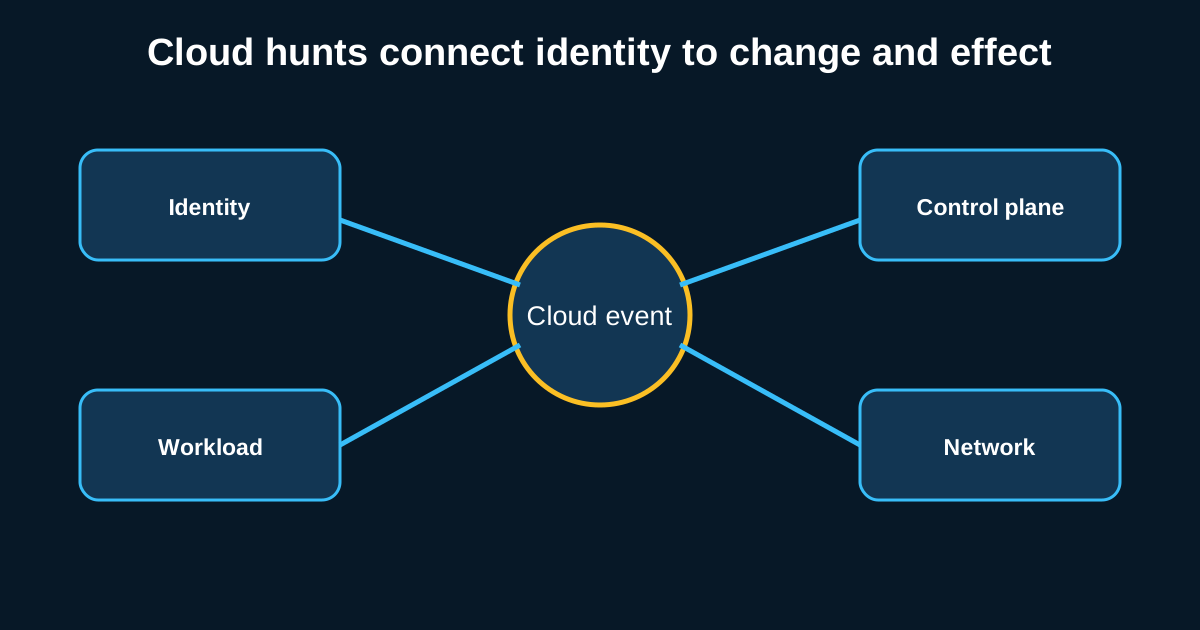
Azure AD sign-in logs alone can tell you more about a compromise in progress than most on-prem authentication logging ever could, if you actually know what you’re looking at. The trouble is a lot of teams stand up Sentinel, import some out-of-the-box analytics rules, and call it a hunting program which it isn’t. Detection rules catch what’s already known. Hunting is what finds the thing the rules haven’t been written for yet, and Sentinel’s real value for hunters is KQL, not the rule gallery.
Getting real value here means understanding the log sources deeply enough to write your own hunts, not just tuning the defaults.
Sign-in logs are the richest single source, and risk levels deserve real scrutiny
Azure AD sign-in logs capture an enormous amount of context per authentication event location, device, application, conditional access policy results, and Microsoft’s own risk scoring via Identity Protection if you’ve got it licensed. The risk scoring is useful but shouldn’t be treated as the final word; it’s a starting point for investigation, not a verdict.
A KQL hunt worth running regularly: sign-ins flagged with “unfamiliar sign-in properties” or “atypical travel” risk, cross-referenced against whether the same account shows a successful sign-in at the flagged location followed by immediate access to sensitive resources mail, SharePoint sites with confidential content, admin portals. A risky sign-in that doesn’t lead to any follow-on activity is lower priority than one that immediately precedes a mailbox rule change or a new OAuth app consent, which is exactly the kind of behavior a compromised account performs to establish persistence.
1
2
3
4
SigninLogs
| where RiskLevelDuringSignIn in ("medium", "high")
| join kind=inner (OfficeActivity | where Operation == "New-InboxRule") on UserId
| project TimeGenerated, UserPrincipalName, IPAddress, Operation, Parameters
That’s a rough shape, obviously tune it to your tenant’s actual field names and schema version, but the pattern join risky sign-ins against sensitive follow-on activity is the reusable idea, not the exact query text.
Activity logs catch the infrastructure-layer attacks sign-in logs miss
Azure Activity Logs track control-plane operations resource creation, role assignments, network security group changes and this is where privilege escalation and persistence attempts against the Azure environment itself show up, as opposed to attacks against user identities specifically. A new role assignment granting Owner or Contributor rights to an account that’s never had elevated permissions before is one of the highest-value things to hunt for here, especially when it happens outside a change window or wasn’t preceded by any service desk ticket.
Network security group rule changes deserve their own watch too an NSG rule opening RDP or SSH to the internet on a resource that was previously locked down is a pattern that shows up constantly in cloud compromise cases, sometimes because an attacker did it deliberately to establish a foothold, sometimes because a misconfigured deployment script did it accidentally and left the door open just as effectively. Either way, it’s worth a standing hunt: NSG modifications adding inbound rules from 0.0.0.0/0 on management ports, correlated against who made the change and whether it matches expected deployment activity.
OAuth app consent abuse is a genuinely underhunted attack path
Illicit consent grants where an attacker tricks a user into approving a malicious OAuth application’s permission request, sometimes via a convincing phishing page mimicking a legitimate consent screen give persistent access to mailbox and file data that survives a password reset entirely, because the attacker never needed the password in the first place. This is a technique that’s grown significantly and still gets far less hunting attention than credential theft, partly because it doesn’t show up in the log sources teams are used to reviewing.
Hunt for newly consented applications requesting broad permissions Mail.Read, Files.ReadWrite.All, offline access scopes especially from applications that aren’t verified publishers and were consented to outside a bulk admin-driven rollout. A single user consenting to an unverified app requesting full mailbox read access, at 11 p.m., right after clicking a link in an email, is close to a textbook case, and Sentinel can surface this pattern directly from the audit logs if you build the query for it, since it’s not covered well by default analytics templates.
Building custom analytics instead of relying entirely on the rule gallery
Sentinel ships with a solid library of out-of-the-box analytics rules, and they’re a reasonable starting point, but leaning on them exclusively means you’re only catching what Microsoft’s detection engineering team anticipated generically across every customer, not what’s specific to your environment’s actual risk profile. The teams getting real hunting value out of Sentinel are the ones writing custom KQL against their own hypotheses informed by their specific application footprint, their specific admin account structure, their specific business logic around what “normal” access looks like.
This also means investing in understanding KQL properly rather than copy-pasting community queries without grasping what they do join logic, time-window functions like bin(), and the summarize operator are worth genuinely learning well, because they’re the building blocks every custom hunt in Sentinel ends up using in some combination.
Watchlists and automation close the loop
Once a hunt proves valuable running manually a few times, promote it into a scheduled analytics rule, and use Sentinel watchlists to maintain context that makes future hunts faster known-good admin accounts, approved OAuth applications, expected NSG configurations per environment tier. This turns one-off hunting wins into a standing capability rather than something an analyst has to remember to run manually every week.